

Download SnapAI APK – AI-powered image enhancement, photo editing, creative art, dress-up templates, Android app
Overview
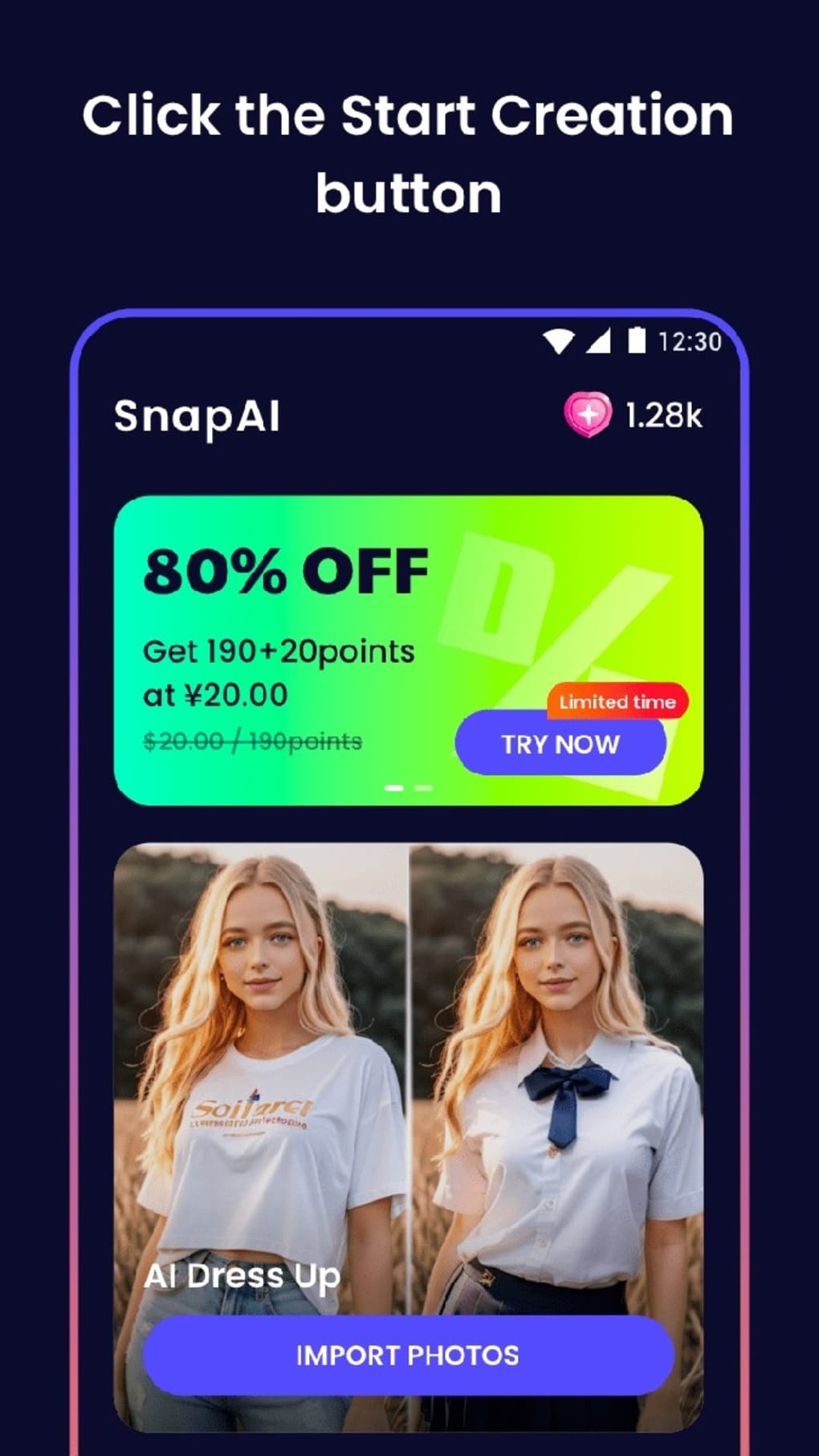
SnapAI is a free-to-use Android application designed to elevate ordinary photographs through AI-powered enhancements and creative styling. Developed by Drty Hrutiry, the app focuses on transforming user-uploaded images into visually striking compositions using a variety of predefined dress-up templates. Its primary purpose is to simplify the process of photo editing for users who seek artistic expression without requiring advanced design skills. The software caters to casual users, social media enthusiasts, and individuals interested in digital creativity, offering a fun and accessible way to reimagine personal photos. Real-world usage scenarios include enhancing profile pictures, creating themed content for events such as weddings or beach trips, and experimenting with fashion styles in a digital format. The app operates on a point-based system, where users accumulate credits through in-app activities like referrals, recharging, and completing tasks. This model encourages continued engagement while maintaining free access to the core functionality. The developer did not provide additional system requirements or detailed information about the underlying AI technology. Platform compatibility is confirmed for Android devices, with the app available through third-party app stores. The software is designed to be intuitive, allowing users to upload images and apply styles with minimal effort.Key Features & Capabilities
- AI-Powered Image Enhancement – Uses artificial intelligence to analyze and improve image quality, including color correction, contrast adjustment, and detail sharpening.
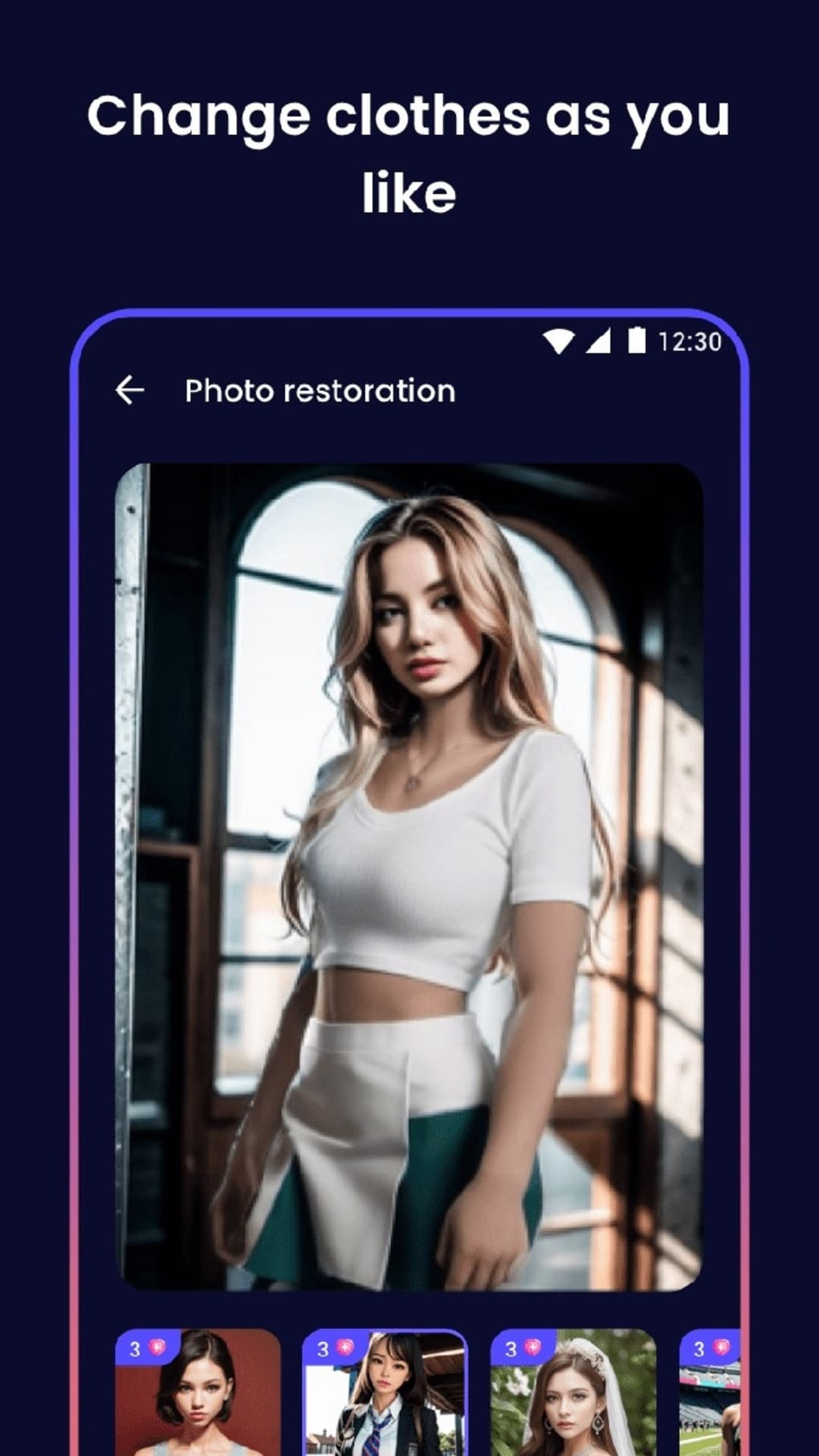
- Dress-Up Templates Library – Offers a diverse collection of style templates covering various occasions and aesthetics, such as wedding gowns, school uniforms, and beachwear.
- One-Click Style Application – Enables users to apply a selected style to their photo with a single tap after upload, streamlining the editing workflow.
- Point-Based Access System – Features a reward-based model where users earn points through referrals, in-app tasks, and optional recharging to unlock premium templates.
- Intuitive User Interface – Designed with simplicity in mind, allowing users to navigate between upload, selection, and application steps without technical barriers.
User Interface, Workflow & Performance
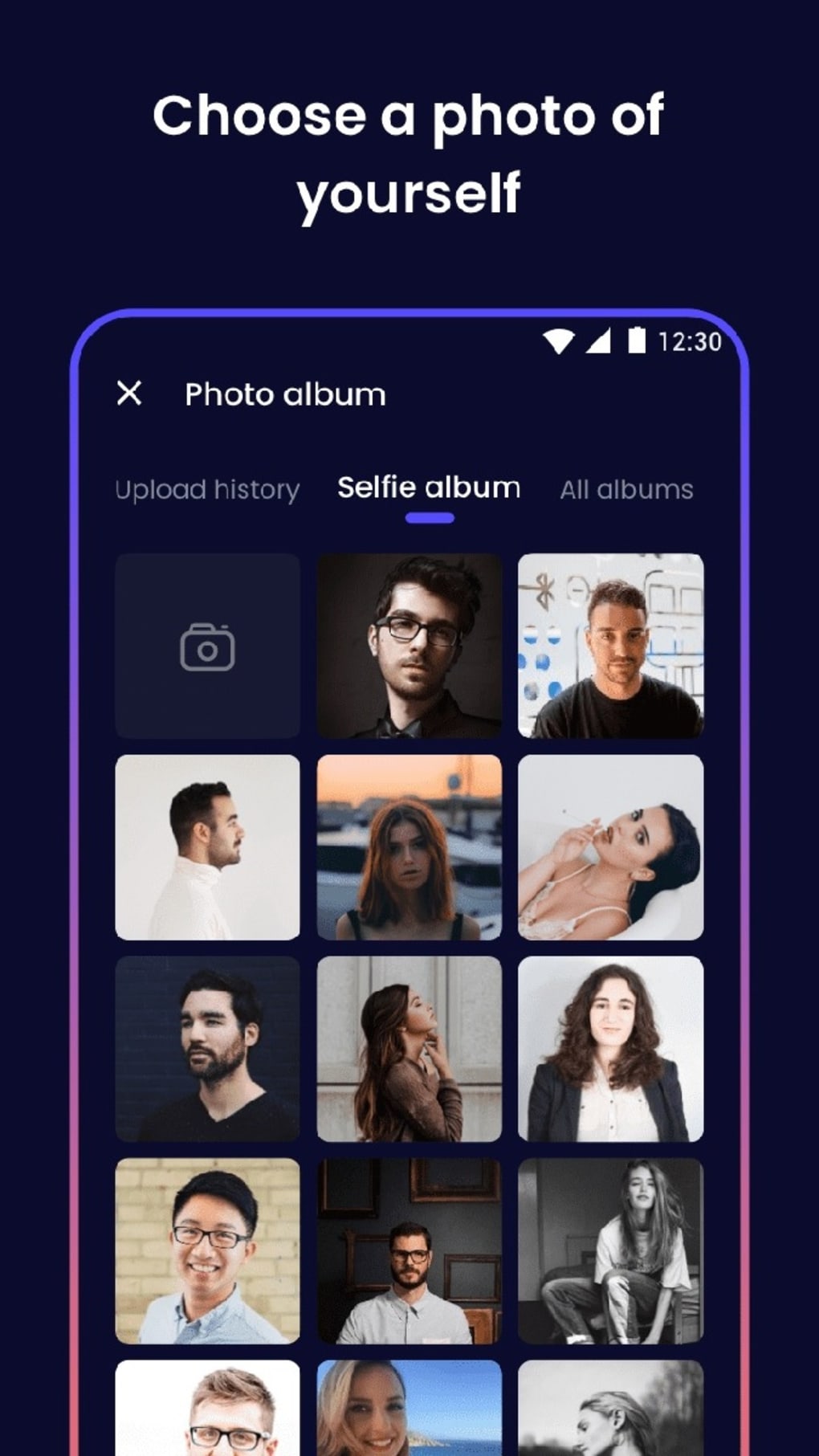
The user interface of SnapAI is structured around a clean, minimal layout optimized for touch-based interaction on Android devices. Navigation is straightforward, guiding users through three main stages: image upload, style selection, and application. The app’s workflow is designed to be efficient, with each step requiring minimal input—typically a single tap or swipe. After uploading a photo, users are presented with a categorized list of dress-up templates, allowing them to browse by occasion or aesthetic. The interface does not include complex menus or hidden features, which supports ease of use for non-technical users. However, the developer did not specify resource usage details, so general performance observations are based on typical behavior for AI-powered mobile applications. Users may experience processing delays depending on image size and device capabilities. Stability and CPU/RAM behavior were not disclosed. The app is reported to function without crashes during standard use, though no formal testing data was provided. Overall, the workflow prioritizes speed and simplicity, aligning with the app’s goal of enabling immediate creative output.Compatibility & System Requirements
SnapAI is confirmed to be compatible with Android operating systems. The app is distributed through third-party app stores, indicating broad accessibility across various Android device models. The installation size was not specified, nor were exact hardware requirements such as minimum RAM, processor speed, or storage space. The developer did not provide information about supported Android versions or API levels. Compatibility with older Android devices remains uncertain. The app’s reliance on AI processing suggests it may require a modern processor and sufficient memory for smooth operation, but no official specifications were shared. Users are advised to ensure their device meets standard Android app requirements. The absence of detailed system requirements limits the ability to predict performance on specific hardware. Platform compatibility information is limited to Android, with no indication of support for iOS or desktop platforms.Pros and Cons
Pros
- Free to download and use, lowering the barrier to entry for creative tools.
- AI-powered enhancements provide quick, visually appealing results.
- Extensive variety of dress-up templates covering multiple styles and events.
- Simple one-click workflow ideal for users without editing experience.
- Point-based system encourages ongoing engagement and rewards participation.
Cons
- Access to features requires accumulating points, which may delay initial use.
- Limited transparency regarding system requirements and performance.
- Reliance on third-party app stores raises potential security concerns.
- No indication of offline functionality; internet connection required.
- Limited customization options beyond template selection.
FAQ Section
Is SnapAI available for iOS devices?
The app is currently confirmed for Android only. There is no official information about an iOS version.
How can I earn points in SnapAI?
Users can accumulate points through in-app activities such as completing tasks, referring new users, and making optional recharges.
Is SnapAI safe to download?
As the app is distributed through third-party stores, users should exercise caution and review permissions before installation. The developer did not provide a verified security audit.
Do I need an internet connection to use SnapAI?
Yes, the app requires an active internet connection to access AI processing and template libraries.
Can I use SnapAI offline?
There is no indication that the app supports offline functionality. All features depend on cloud-based processing.





.png)

